
Need to get the word out about your event, product, or business, but don’t have the budget for a fancy designer? Good news, you only need a good tool to design a professional flyer.
So let’s compare the 7 free flyer makers to find the ones that deliver pro-level results.
Best Free Flyer Makers Online
Below you’ll find detailed reviews of each of these free online flyer makers.
1. PosterMyWall
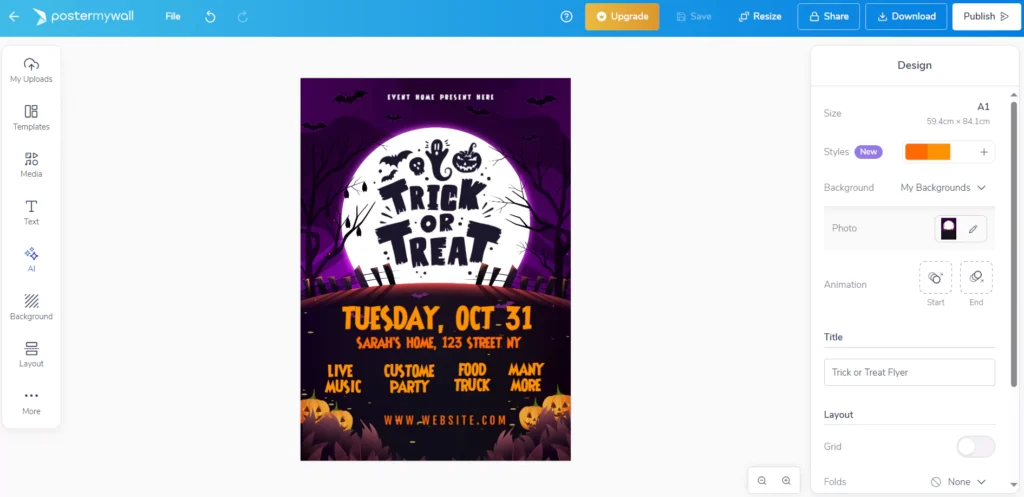
Irrespective of the name, this website isn’t only about posters. In fact, the Postermywall flyer maker gives you access to 1,170,310+ professionally designed flyer templates. You can search by category, for example, business, events, food, education, or holidays. It’s also super easy to edit and customize the designs to match your branding.
2. DocHipo
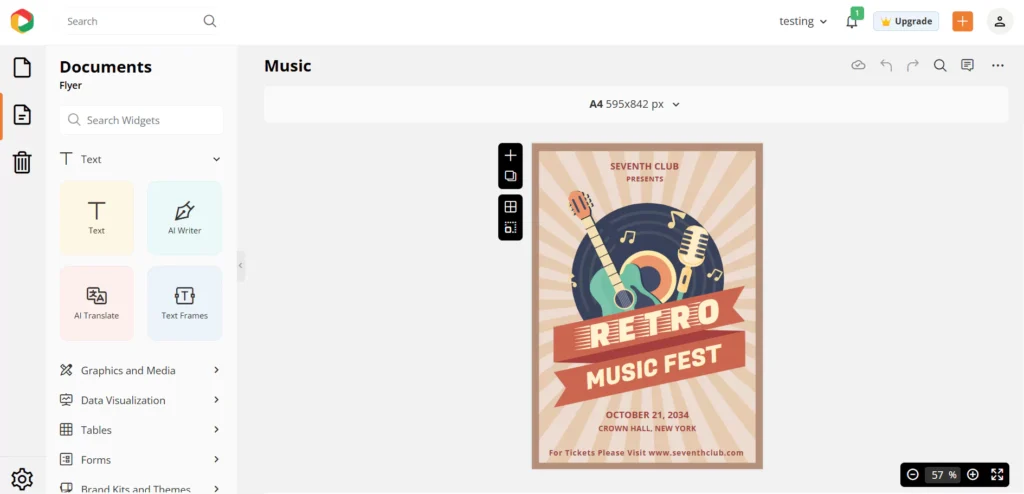
If you want to use a free flyer maker without watermark hassles, then DocHipo is your best bet. It gives you access to ready-to-use templates with stock photos, illustrations, stickers, icons, and fonts. Plus, the drag-and-drop editor is super easy to use for beginners and non-designers.
3. Adobe Express
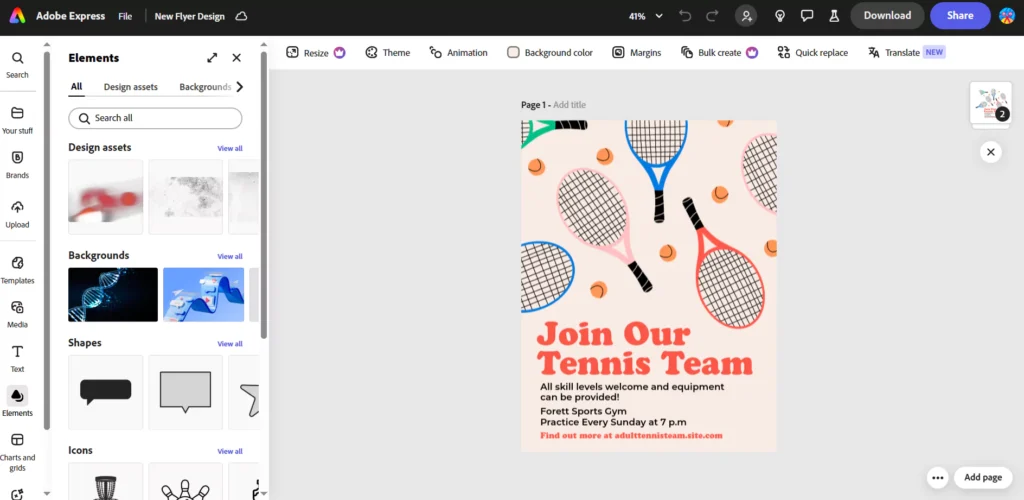
Adobe flyer maker app is definitely our top pick. It combines professional-quality templates with the simplicity of an online editor. Just like with other tools, you can get started by choosing an editable template, then customize it by changing the text, adjusting colors, adding your logo, or uploading images.
The best part is that once your design is ready, you don’t have to look for a separate printer – Adobe Express flyer maker offers a direct print option for US and UK desktop users.
4. Piktochart
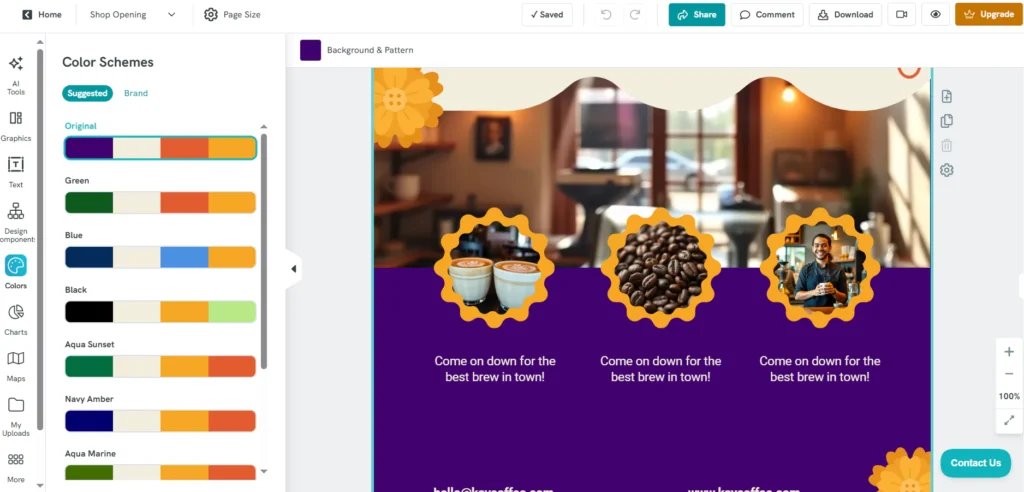
Piktochart gives you access to a free AI flyer maker. You just need to give the tool some information about what you want on your flyer. The tool will then generate a bunch of ready-made flyers that you can easily edit on its dashboard.
The only limitation is that you get a few credits, so you can’t create unlimited flyers. Thus, it's only a good choice for one-off needs like a party or event flyer.
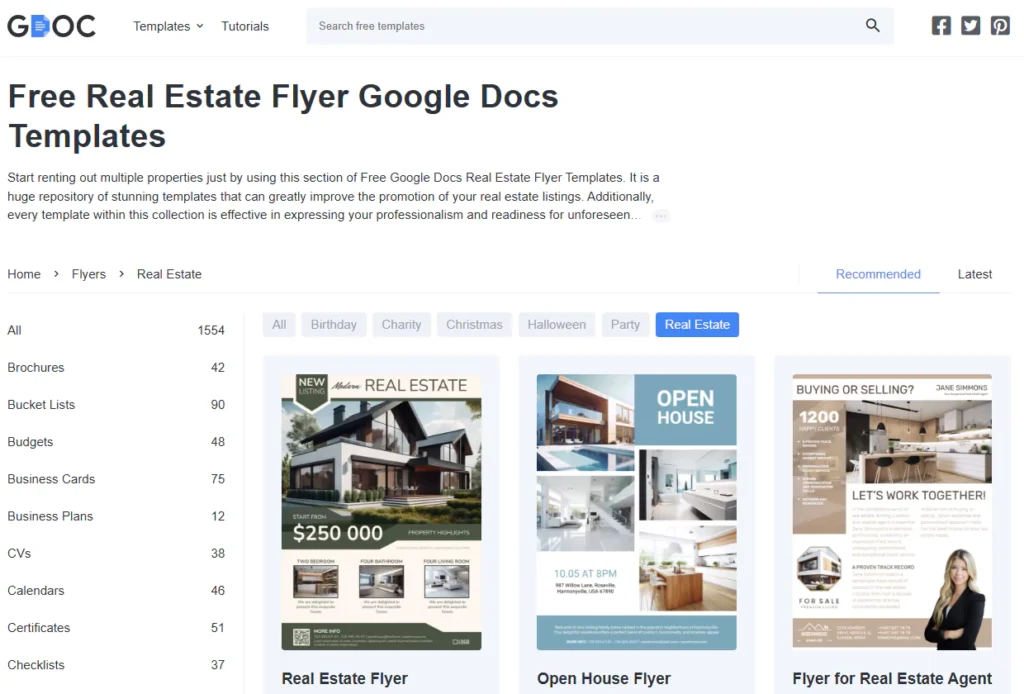
5. Gdoc
Want to create a flyer without leaving Google Docs? Enters Gdoc. It’s an independent platform that offers thousands of free templates across a wide range of categories. You can explore the designs and export the ones you like in Google Docs or Slides and start editing.
You’ll be able to fully customize these templates by changing the backgrounds, adding new icons or images, editing text, and adjusting layouts to suit your needs. It’s a simple yet efficient way to create flyers without learning complicated tools.
6. DesignCap
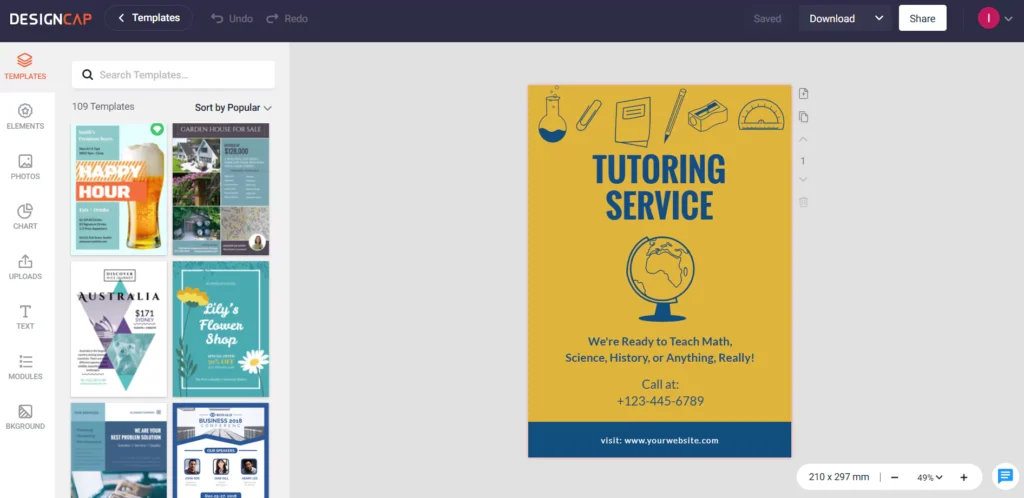
DesignCap is another free flyer maker website that comes with thousands of professionally designed templates. You can also create something from scratch as the editor is simple to use and offers drag-and-drop customization. You can change text, colors, backgrounds, and add your own images or logos to make your flyer truly unique.
7. Kittl
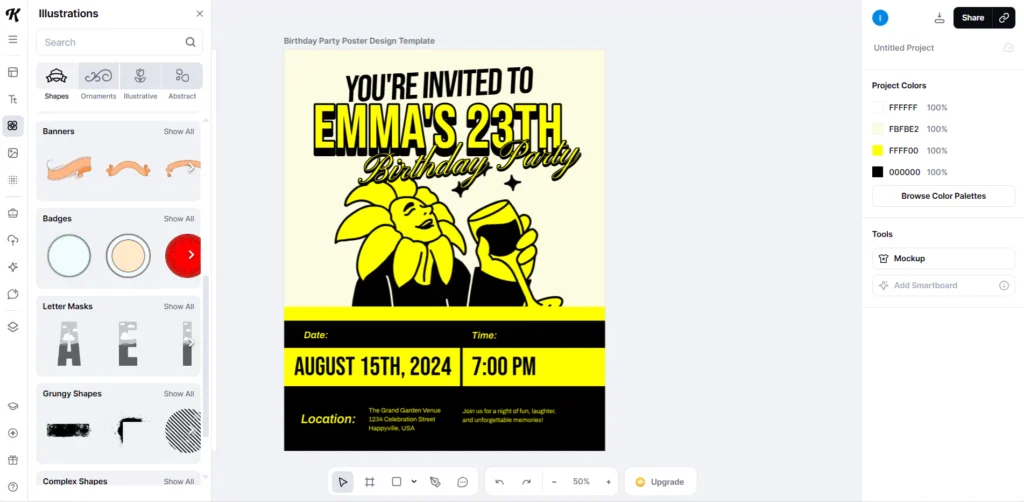
Last on our list is Kittl, a popular design platform that also offers a free flyer maker app. You need to sign up, but everything else is free to use. Once inside, you’ll find a wide variety of flyer templates with bold typography, unique illustrations, and modern layouts.
You can fully customize these designs and download them in high quality, ready for print or digital sharing.
Summing Up: Which is the Best Custom Flyer Maker?
Every tool we listed in this article comes with great reviews. You can use them as a business flyer maker, birthday flyer maker, or even a real estate flyer maker. Each one helps you put together something polished in just a few minutes.
But if you need more than just the occasional flyer, a free tool won’t cut it. That’s when having a dedicated design team really makes a difference. Our graphic design subscription for print businesses is made for these occasions. Just sign up to get started.




0 Comments