
We have been told time and time again how a logo can make or break the brand identity. It makes you think that you need to spend a fortune or weeks of painstaking hours to get everything perfect. But that’s not true every time!
You can get a quick, professional logo without the heavy lifting with AI logo design software. These tools can help you create stunning logos in minutes – no prior experience required! Let’s dive in and explore our top picks of 9 AI logo design software.
9 AI Logo Design Software
Below, we have compared the features of each of these AI logo design software in more detail.
1. Design.com
Design.com is one of the top AI logo generators, offering an unmatched library of 360,000+ professionally crafted logo templates. It also gives you access to 750+ fonts (525+ exclusive), 62,000 custom vector shapes, and AI-powered tools.
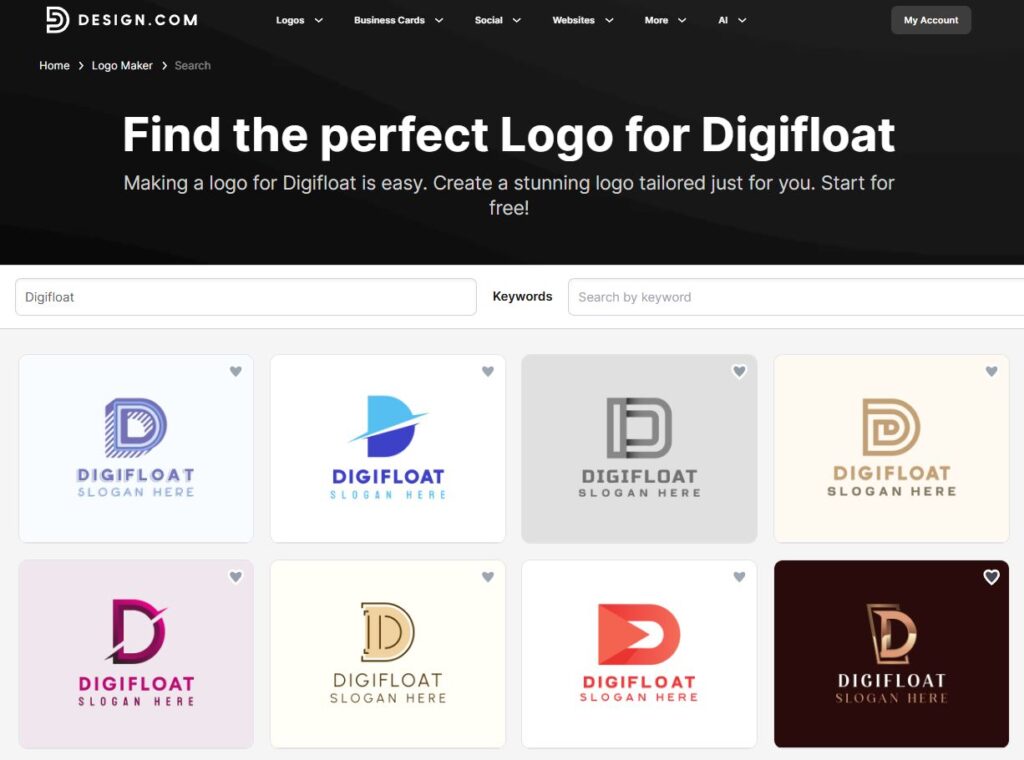
The best part is that you can easily customize any template with their drag-and-drop editor. It requires zero design skills yet includes advanced features like layer adjustments and animation.
2. Turbologo
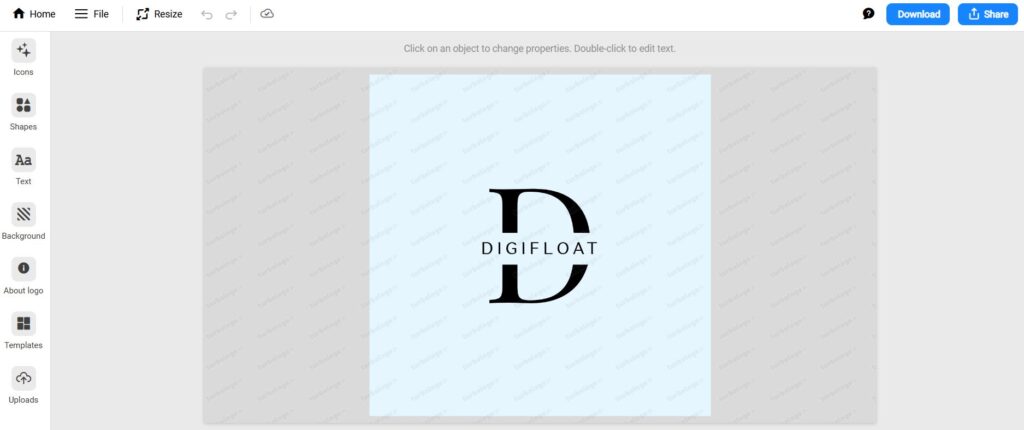
Turbologo claims to be one of the best free AI logo design software. It’s fast, easy to use, and provides a variety of customizable templates to help you create a professional logo in minutes.
You can get started by giving them the basic information about your brand’s preferences. Then, you’ll be redirected to their dashboard, where you can easily edit the designs as per your vision. You can also view the mockups of the logo on t-shirts and letterheads while editing.
3. Logomaster
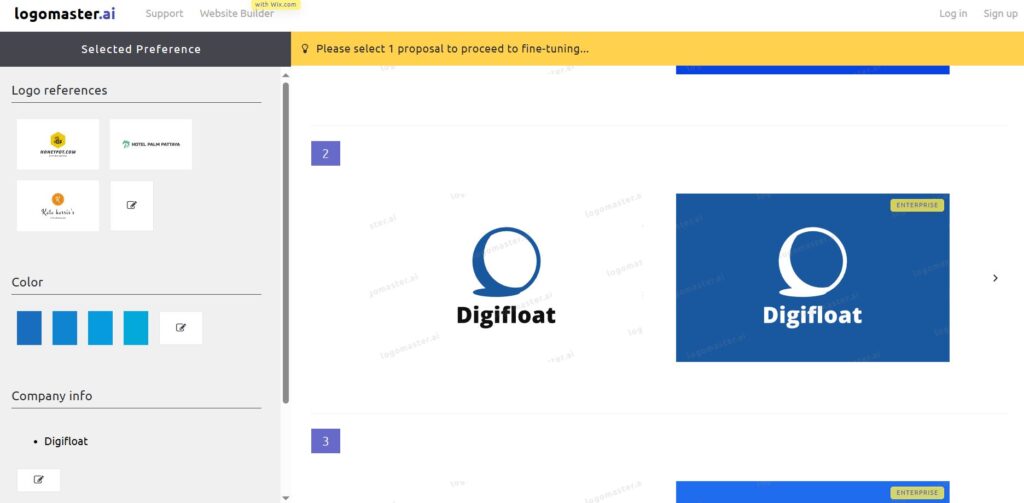
Logomaster is another popular AI logo design software you can use to create royalty-free logos for your brand. It has a slightly different UI design, but you can get the hang of it pretty fast. Whether you are just starting out or looking to refresh your brand identity, this is a great option for creating a professional logo quickly.
4. Logo Diffusion
Logo Diffusion is a tool that uses generative AI to create unique & custom logos without relying on stock designs. You can start with a sketch or a prompt to generate original designs and then use their editor to perfect every aspect of your logo.
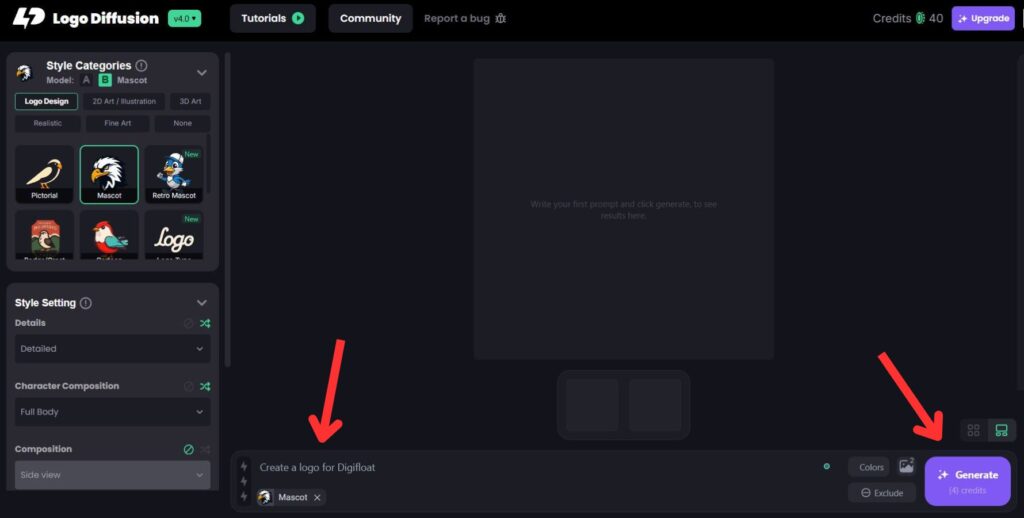
This tool will give you more than 45 design styles that cover most logo and graphic design trends and themes. You will also get a bunch of sketching tools to better control the final output.
5. Brandmark
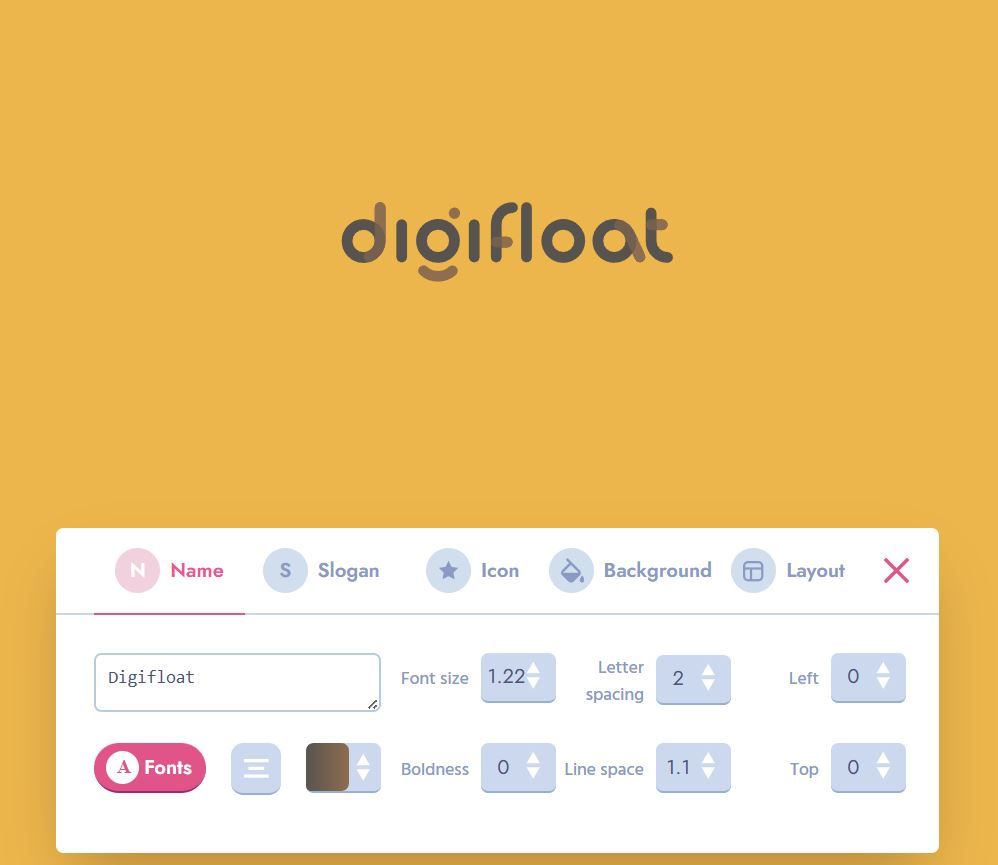
Brandmark is another AI logo design software you can use to create unique logos for your business. Similar to other platforms, you can get started by answering a few questions about your brand and preferences. The tool will generate a bunch of designs according to your answers, and you can choose the template that best fits your vision.
Here's what the editor looks like for editing your selected logo template:
6. Designs.AI
Designs.AI is a logo generator that can analyze your brand information and offer you thousands of options in seconds. You’ll have to give them some basic information, such as your brand name, and choose an icon and color scheme. Then, based on your preferences, you will get a bunch of options like these:
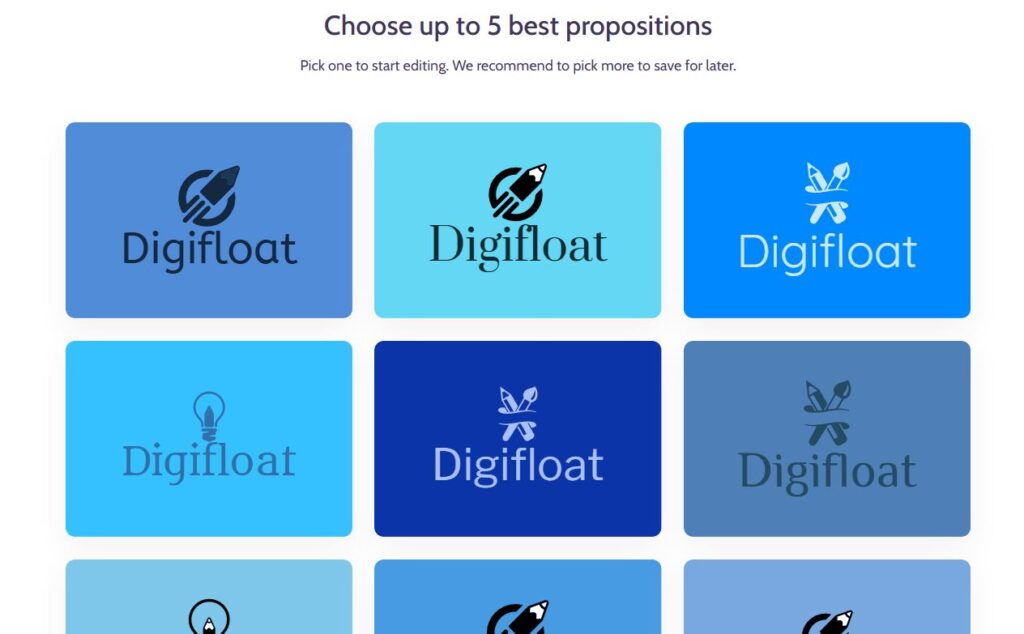
You can choose your favorites and start editing to create your brand logo.
7. LogoAI
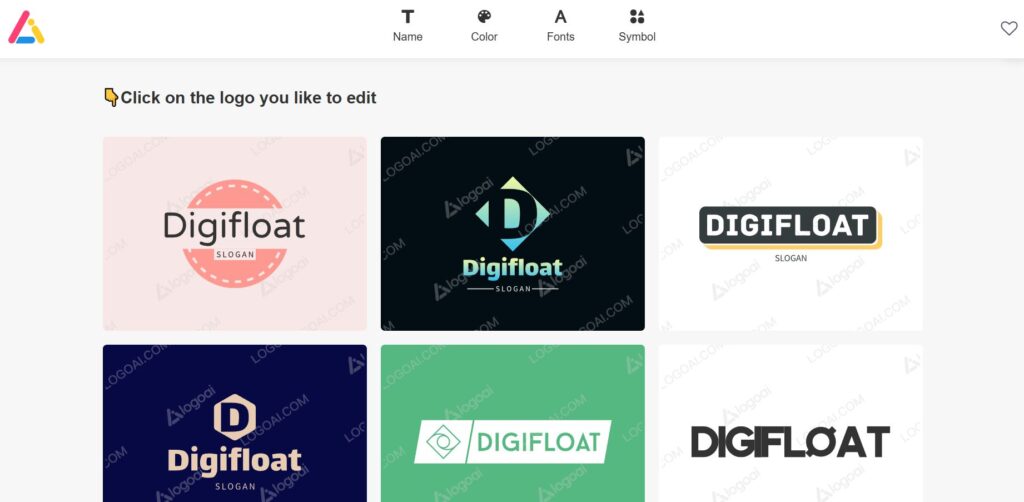
LogoAI claims to offer a smart design engine that understands logo design best practices. This means that your logo will not only be aesthetic but also professional and engaging. Their editor is quite straightforward and user-friendly, allowing you to easily customize your logo with just a few clicks.
8. Logo Makerr
Logo Makerr allows you to browse through 1000+ logo templates even without sharing your brand information. This gives you the freedom to continue only if you find something that resonates with your brand's vision.
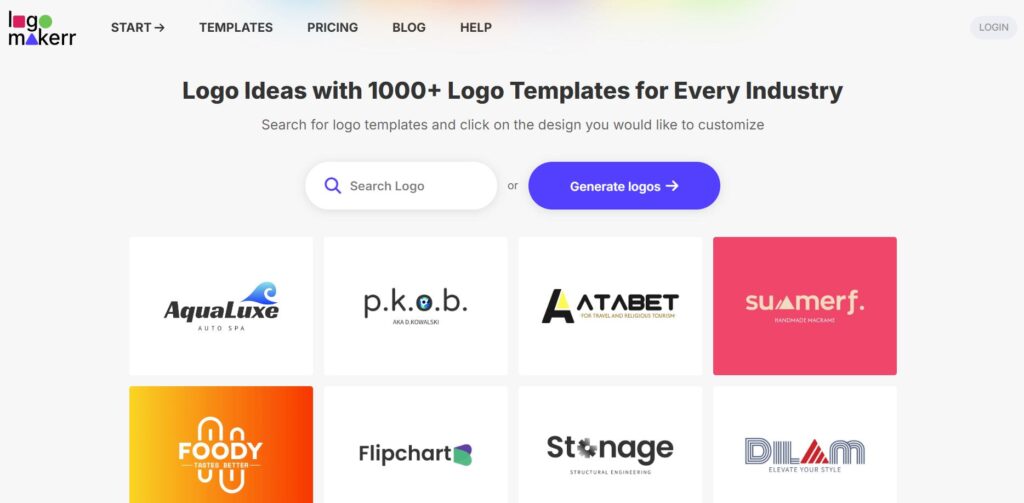
Once you find a template that you like, you can start customizing it to fit your specific needs, adjusting elements like colors, fonts, and icons.
9. Wix Logo Maker
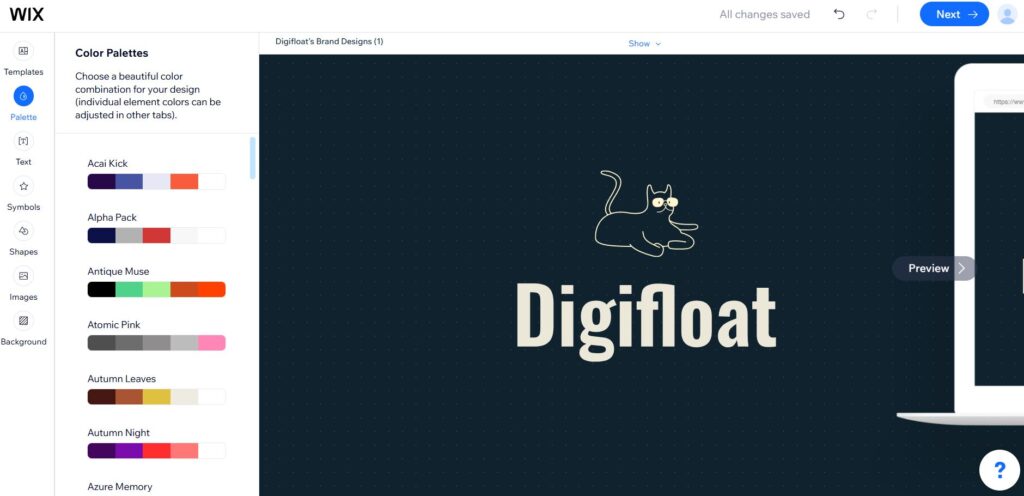
Last on our list of AI logo design software is a popular brand, Wix. It offers a unique platform where you can create a custom logo in just a few steps. You can experiment with different fonts, shapes, icons, and backgrounds on their editor to create a design that matches your brand’s personality.
Summing Up: Which is the Best AI Logo Design Software?
We’ve explored the 9 best AI logo design software available in the market today. Each tool offers unique features and customization options, allowing you to experiment and find the perfect design for your brand. However, they cannot beat the creative touch and knowledge of a skilled designer.
If you’re looking for a truly personalized approach to your logo design, it may be time to consider hiring professional designers. Sign up for our unlimited graphic design services and get a custom logo design that is uniquely yours!




0 Comments