
A letterhead is one of the first pieces of office stationery you’ll need – and luckily, it’s also the easiest one to create. You just need all the right information and a good tool to bring it all together.
Just follow along to learn how to make a letterhead in under an hour.
How to Make a Letterhead for a Company
- Get All the Branding Elements
- Browse Templates or Inspiration
- Plan the Layout
- Pick a Tool
- Make it Print-Friendly
- Save & Test
We’ve explained each step in detail below to guide you on how to make a company letterhead.
1. Get All the Branding Elements
Before you start designing, gather everything you need to put on a letterhead. At the very least, this includes:
- Logo (in high resolution)
- Business name
- Tagline or slogan (optional)
- Contact details (address, phone number, email, website, social media handles)
- Brand colors and fonts
Some people like to go the extra mile by adding mascots, icons, or small illustrations. While this can make a letterhead look creative, it’s not always recommended. It’s best to keep things minimal and add only essential information.
You can create a folder on your computer or in Google Drive with your logo files, brand guidelines, and contact details. This way, you’ll avoid last-minute scrambling.
2. Browse Templates or Inspiration
It’s also a good idea to explore what’s already out there before asking yourself how do I make a letterhead. You can start by checking out templates on design inspiration websites like Dribbble, Pinterest, or even Canva to spark ideas. This is also where you’ll want to take notes on the layouts, color schemes, and typography choices that suit your industry.
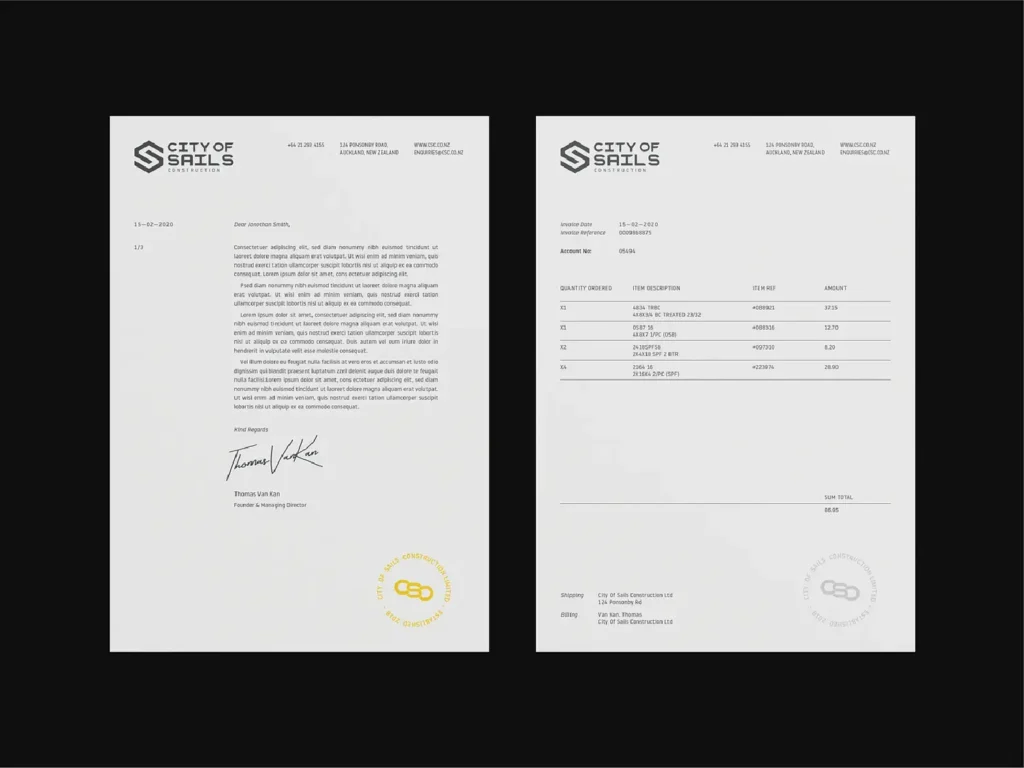
Remember to save the images you like in a folder or mood board, so you have a collection of references to guide you when it’s time to design.
3. Plan the Layout
Now, based on the inspirations you gathered, it’s time to create your layout. This is where you determine where each element, including the logo, business name, tagline, and contact details, will go.
The most common layout design involves placing your logo and brand name at the top, with contact details in the footer. Here’s a good minimal example of this:
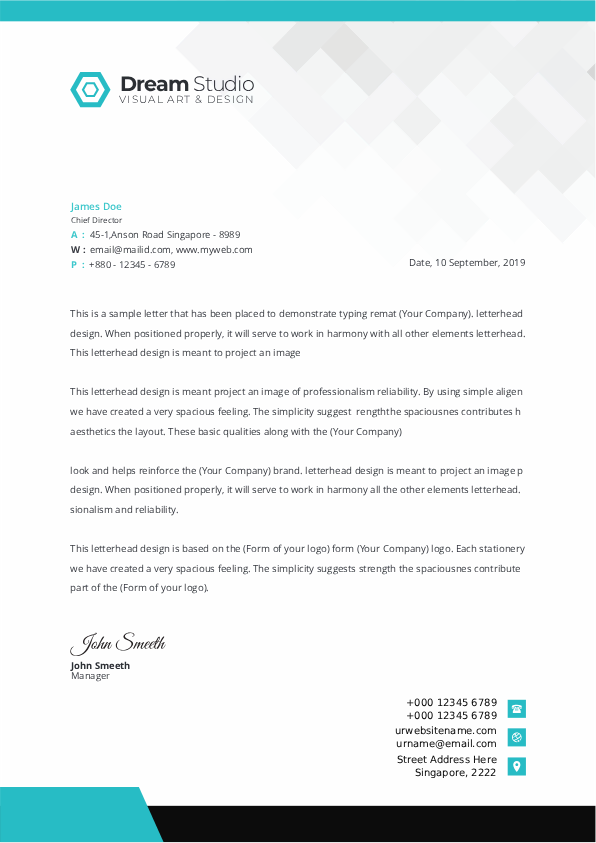
However, you can always experiment with the placement, size, and alignment of these elements to create a layout that best fits your brand’s style.
4. Pick a Tool
This is the most important step in creating a letterhead. The tool you use affects not only how easy it is to design but also how your letterhead will look in both digital and print formats.
So let’s start with something simple – how to make a letterhead in Word. You just need to:
- Open a new Word document.
- Go to the Insert tab and click on Header. Add your logo and business name here.
- Resize and arrange the elements so everything looks balanced at the top of the page.
- Go back to insert and add a Footer for your contact details.
- Adjust fonts and colors to match your branding.
- Once done, save the file as a template so you can reuse it for future documents.
If you prefer working online, Google Docs is a great free alternative. The process will remain the same, as you can insert the header and footer (under the Format option), then keep adding your logo, business name, and contact details.
A third option is using a design tool like Canva or Adobe Express. These platforms give you the advantage of pre-made templates. You can browse their library, find a design that matches your vision, and simply replace the elements with your own.
5. Make it Print-Friendly
This is one of the most overlooked steps when we talk about how to make a letterhead. You cannot just design something online and click print. It needs to be optimized for print quality with the right resolution, colors, and layout.
Here’s how to do this:
- Use high-resolution images - Your logo and any other graphics should be at least 300 dpi to avoid pixelation.
- Choose print-friendly colors - If printing professionally, use CMYK colors rather than RGB to ensure accurate color reproduction.
- Select legible fonts - You would want to stick to your brand fonts, but make sure they are sized and spaced for easy reading.
- Use standard page sizes - A4 or Letter size works best for letterheads.
- Add margin space - Leave at least 0.5-1 inch (1.27-2.54 cm) around the edges to ensure nothing gets cut off during printing.
6. Save & Test
Lastly, make sure you save the design correctly. Yes, it makes a lot of difference. It’s always recommended to export the letterhead in a high-resolution PDF for printing. But also ensure you save the editable copy for future changes.
Then, before ordering a huge quantity, print a few samples to check margins, clarity, and colors. You can even pass it around the office to gather feedback and ensure it represents your brand the way you envisioned.
Summing Up: How to Make a Letterhead
Now that we’ve shown you how to make a letterhead, it will be much easier than you think. Just make sure you choose a good layout and add your elements thoughtfully. And when things don’t turn out as planned, you can always start over.
If you need professional help, check out our graphic design subscription for print businesses. It’ll give you a team of dedicated designers who can create everything you need to grow and scale your brand.




Great tips! A well-designed letterhead really enhances a company’s professional image and leaves a lasting impression.